
Gameplay systems
Combat, progression, save/load, iteration support, and gameplay features built to fit the project rather than fight it.
Hands-on Unity and C# support for gameplay systems, editor tooling, UI workflows, optimisation, pipelines, integrations, and practical problem-solving.
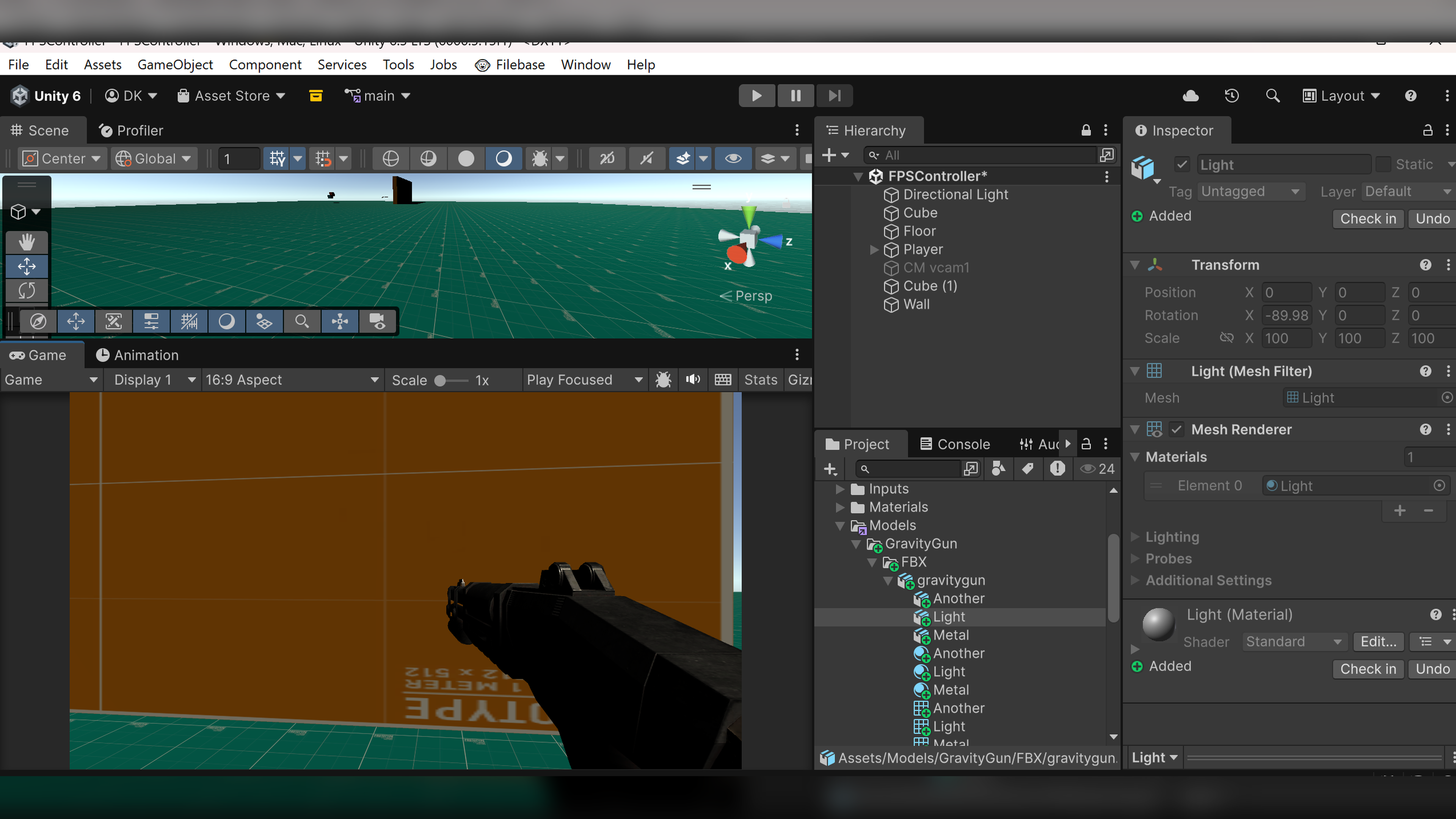
Combat, progression, save/load, iteration support, and gameplay features built to fit the project rather than fight it.
Custom inspectors, workflow automation, content tools, and utility windows that make production work quicker and cleaner.
Runtime UI, UI Toolkit workflows, implementation polish, and technical structure for maintainable interface work.
Performance diagnosis and improvements for mobile and PC, with attention on real bottlenecks and practical tradeoffs.
Build pipelines, CI/CD automation, Firebase, Nakama, cloud saves, and production workflow glue.
Fixing broken or incomplete Unity projects, improving legacy systems, and turning prototypes into shippable foundations.
Unity proof spaces
Use these areas for screenshots from Unity scenes, tool windows, build pipelines, or gameplay prototypes as new work is ready to show.
A large hero-style frame for Unity editor screenshots, gameplay scenes, or prototype captures.
Placeholder space for build status, optimisation notes, and workflow tooling.
A clearer visual path from prototype through implementation and handover.
The aim is reliable implementation support: clear scope, useful progress, and maintainable results.
Review the project, current blockers, constraints, and desired outcome.
Build the feature, tool, optimisation pass, or workflow with clear checkpoints.
Leave the work understandable, integrated, and ready for the next production step.